3. Be Careful To Be Specific About Details
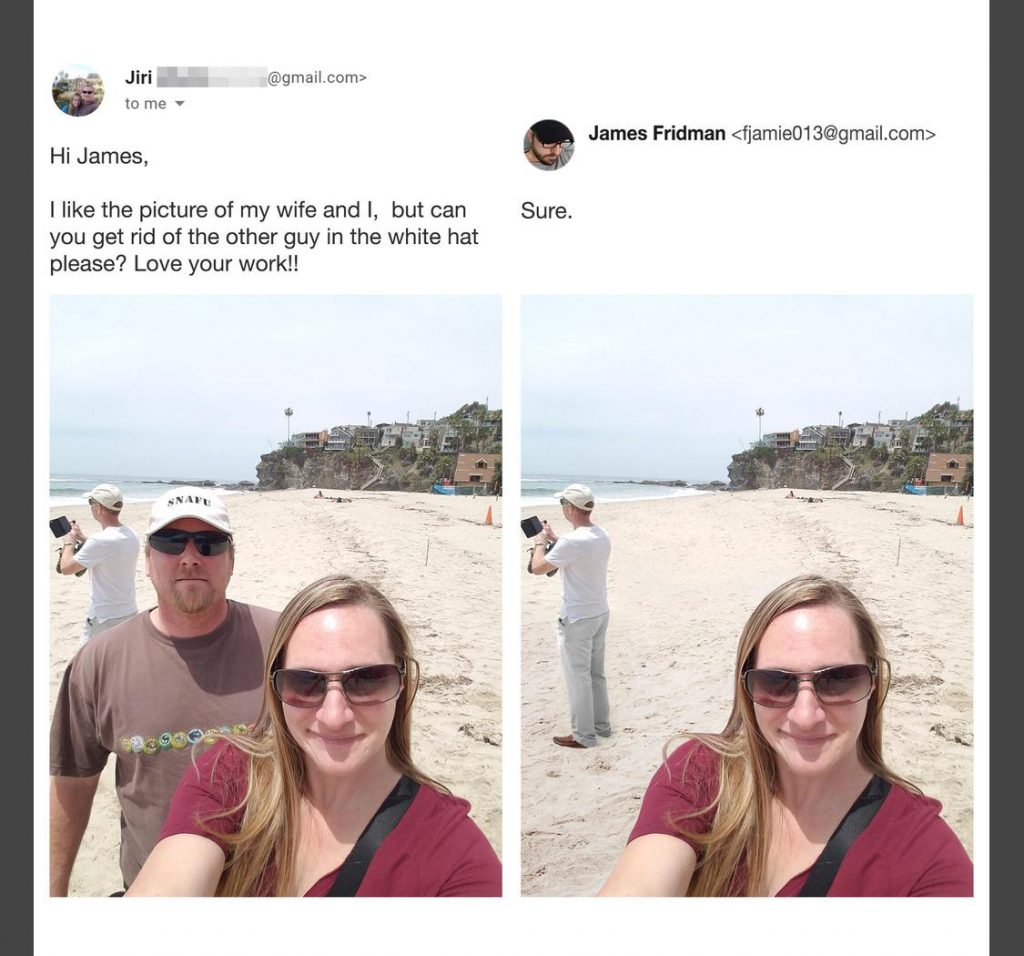
Now here is another epic image. This guy in the brown tee, who is just standing behind the woman who is his wife, wanted to remove the man standing behind them out of the picture. He wanted to just have the picture of them as a couple. But as his stars would have it, James removed him instead. Why? He asked the man in the white hat to be edited out. He didn’t realize he was wearing a white hat too.